Go to Settings > System Settings
Brand Settings #
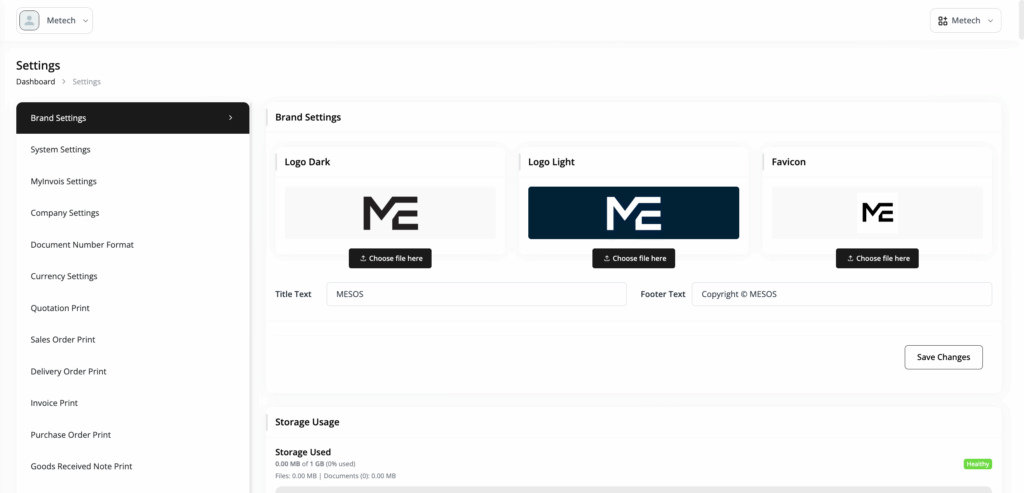
Customize how your company appears in MESOS.
You can:
- Upload your Dark Logo
- Upload your Light Logo
- Upload your Favicon
- Set the Title Text
- Set the Footer Text
Click Save Changes after updating your branding.
Company Info #
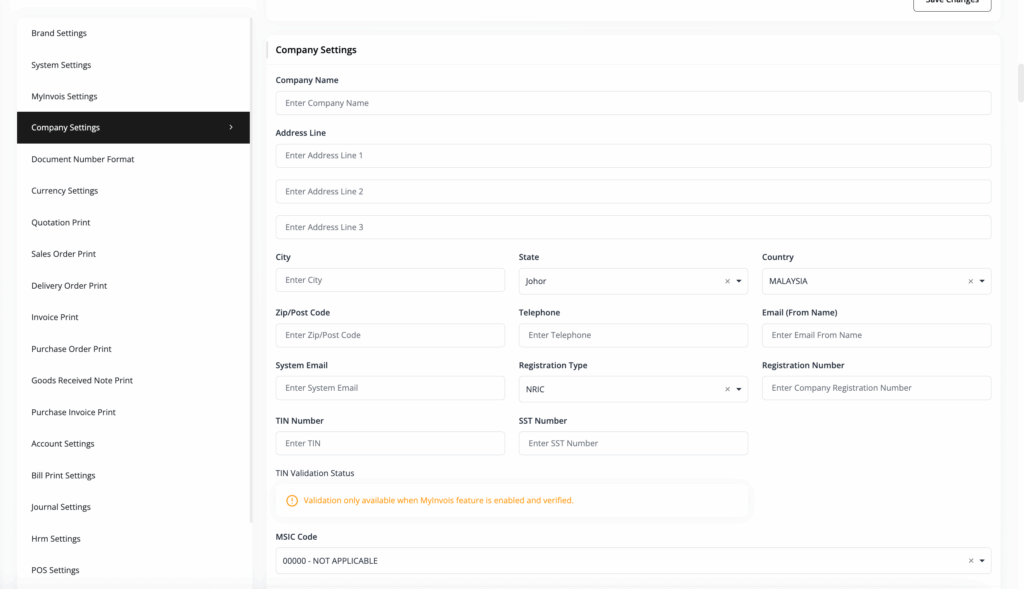
Enter your company’s official business and contact information.
You can configure details such as:
- Company Name
- Business Address
- City, State and Country
- Postcode
- Telephone
- Business Registration Type
- Business Registration Number (BRN)
- Tax Identification Number (TIN)
- SST Number
- MSIC Code
Make sure the information entered here matches your official company records, particularly information used for accounting and e-Invoice purposes.
Currency #
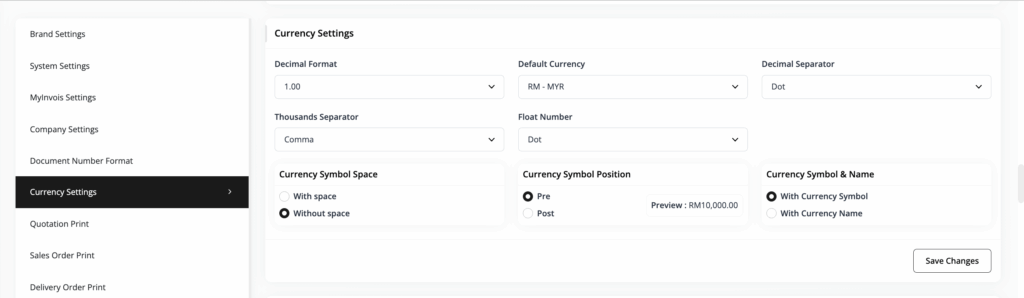
Set the default currency and currency display format used throughout MESOS.
Configure the appropriate currency settings for your company to ensure amounts are displayed consistently across transactions, reports, invoices, and other documents.